

Organisation and Branding
Settings → Organisation holds your business identity.
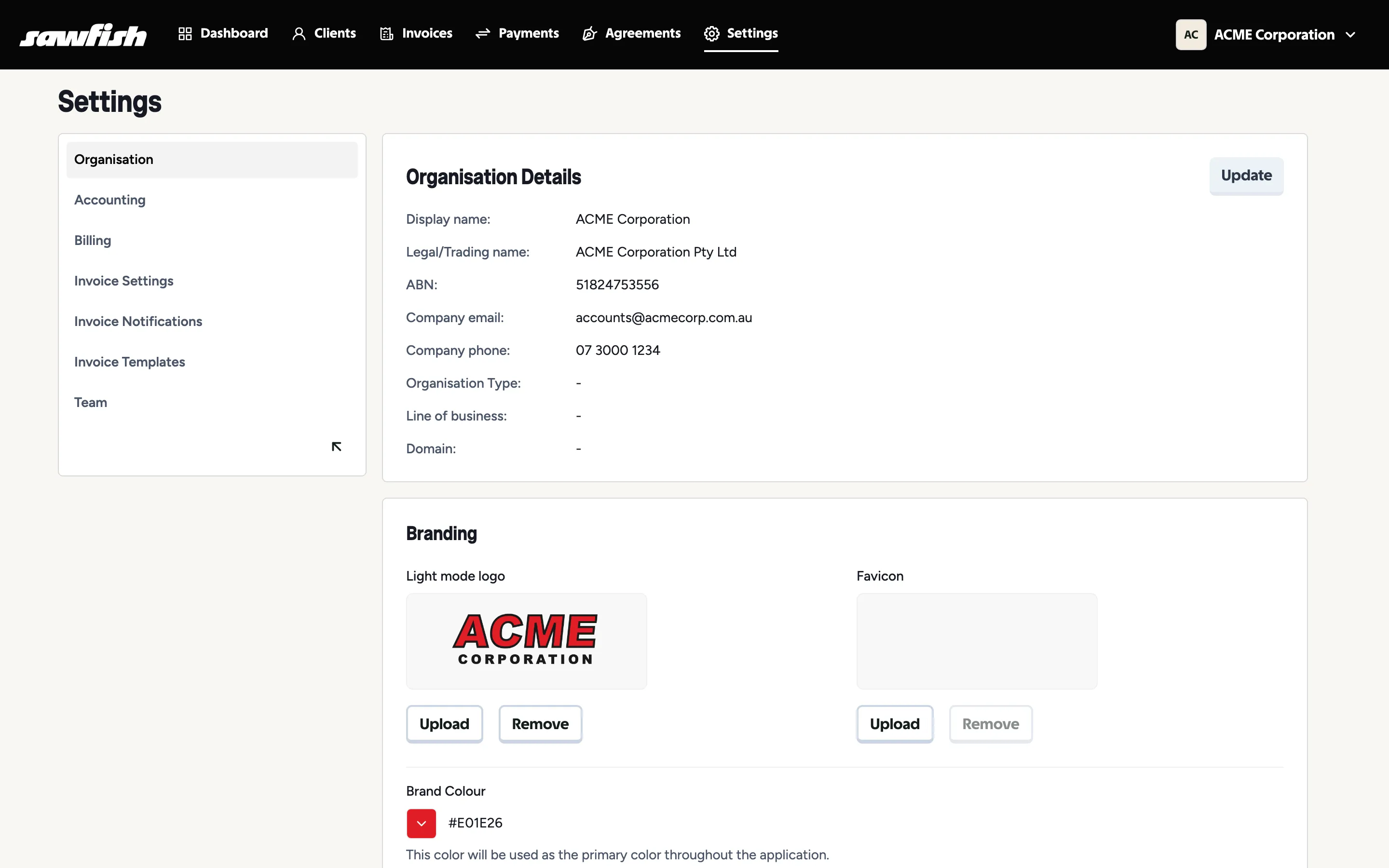
Organisation details
Section titled “Organisation details”Display name, legal/trading name, ABN, company email and phone, organisation type, line of business, and Website - your company site, shown on your communications (not to be confused with the custom domain add-on). Update to edit - changes flow through to your invoices and communications.
Branding
Section titled “Branding”Your branding follows your clients everywhere - invoice PDFs, emails, public payment pages, and signed agreements:
- Light mode logo - shown on documents and pages.
- Favicon - the browser-tab icon on your public invoice and payment pages.
- Brand image - the illustration on the agreement start page your clients land on when you send an agreement. Until you upload one, the default Sawfish illustration is shown - upload your own to make that first screen fully yours.
- Brand colour - used as the primary colour throughout your client-facing surfaces.
Upload square-ish logos with transparent backgrounds for best results; remove and re-upload any time.