

Switching Organisations
If you belong to more than one organisation - for example you manage the books for two businesses, or you’ve been invited to a client’s team - you can switch between them without signing out.
How to switch
Section titled “How to switch”- Click your organisation name in the top-right of any screen.
- Choose the organisation you want from the list.
- Sawfish reloads with that organisation’s dashboard, clients, and invoices.
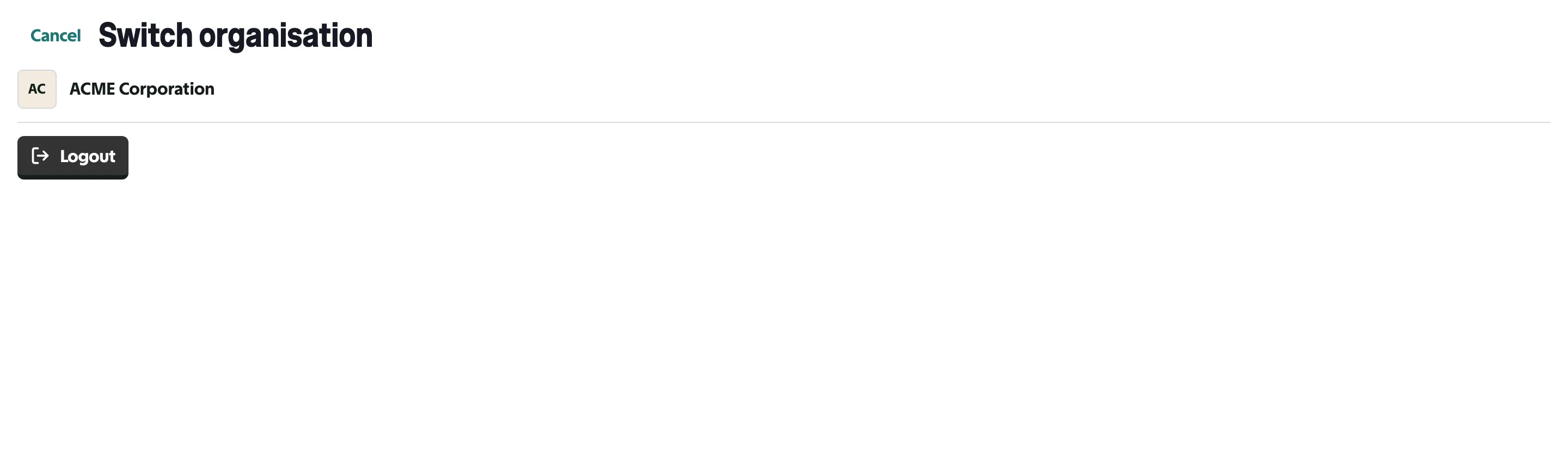
Everything you see and do in Sawfish is scoped to the organisation you’re currently in - invoices, clients, settings, and your role can all differ between organisations.
A few things to know
Section titled “A few things to know”- Your role can differ per organisation. You might be the account holder in one and a team member in another - the actions available to you change accordingly.
- Unfinished organisations wait for their owner. If an organisation’s onboarding isn’t complete, only the account holder can enter it to finish setup - other members see a notice until then.
- Access ends immediately. If you’re removed from an organisation’s team, your access ends straight away - you’ll see a clear message rather than that organisation’s data, and can switch to another organisation you still belong to.
- The Logout button on the switch screen signs you out of Sawfish entirely.
Joining another organisation
Section titled “Joining another organisation”You can’t add yourself to an organisation - an admin from that organisation needs to invite you from their Settings → Team. See Team & Users for how invitations work.