The Sawfish Mobile App
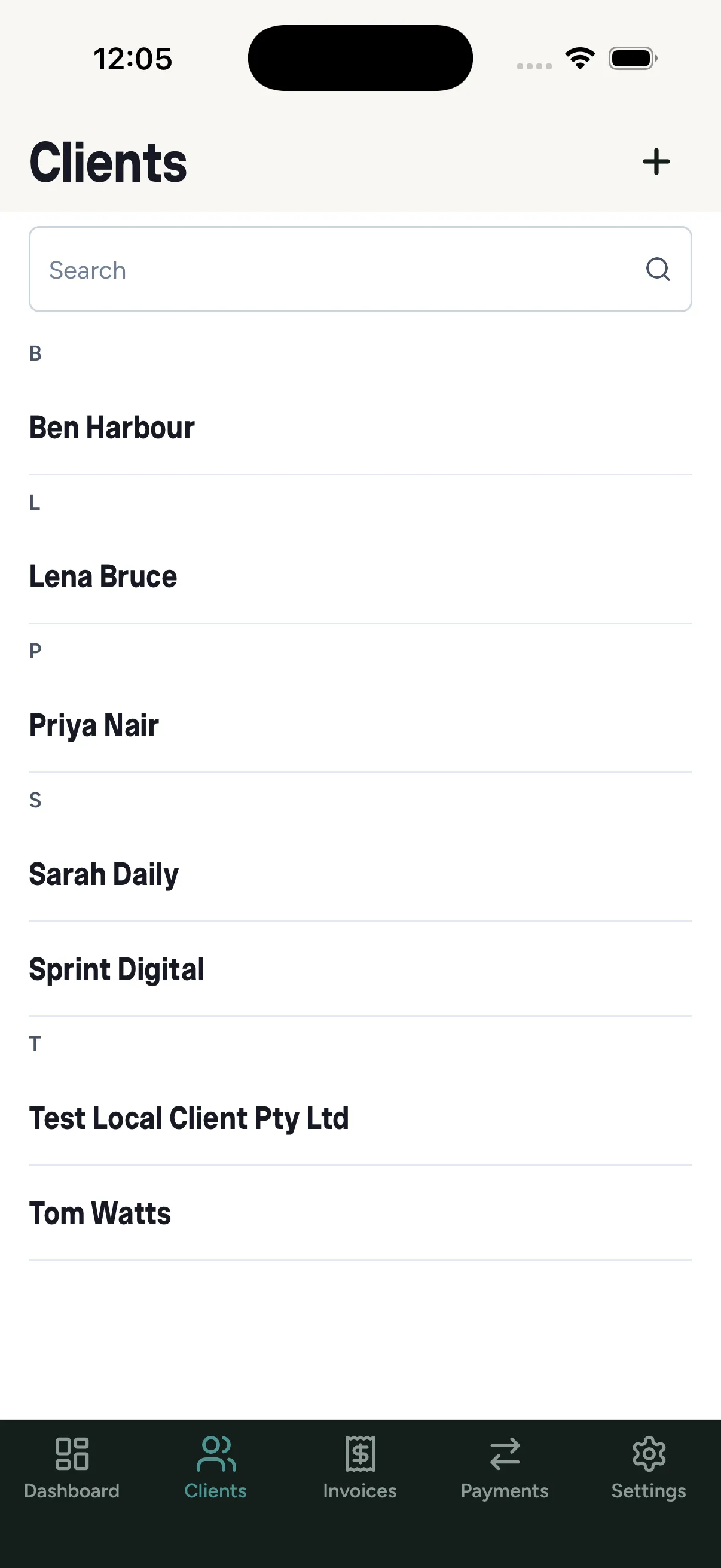
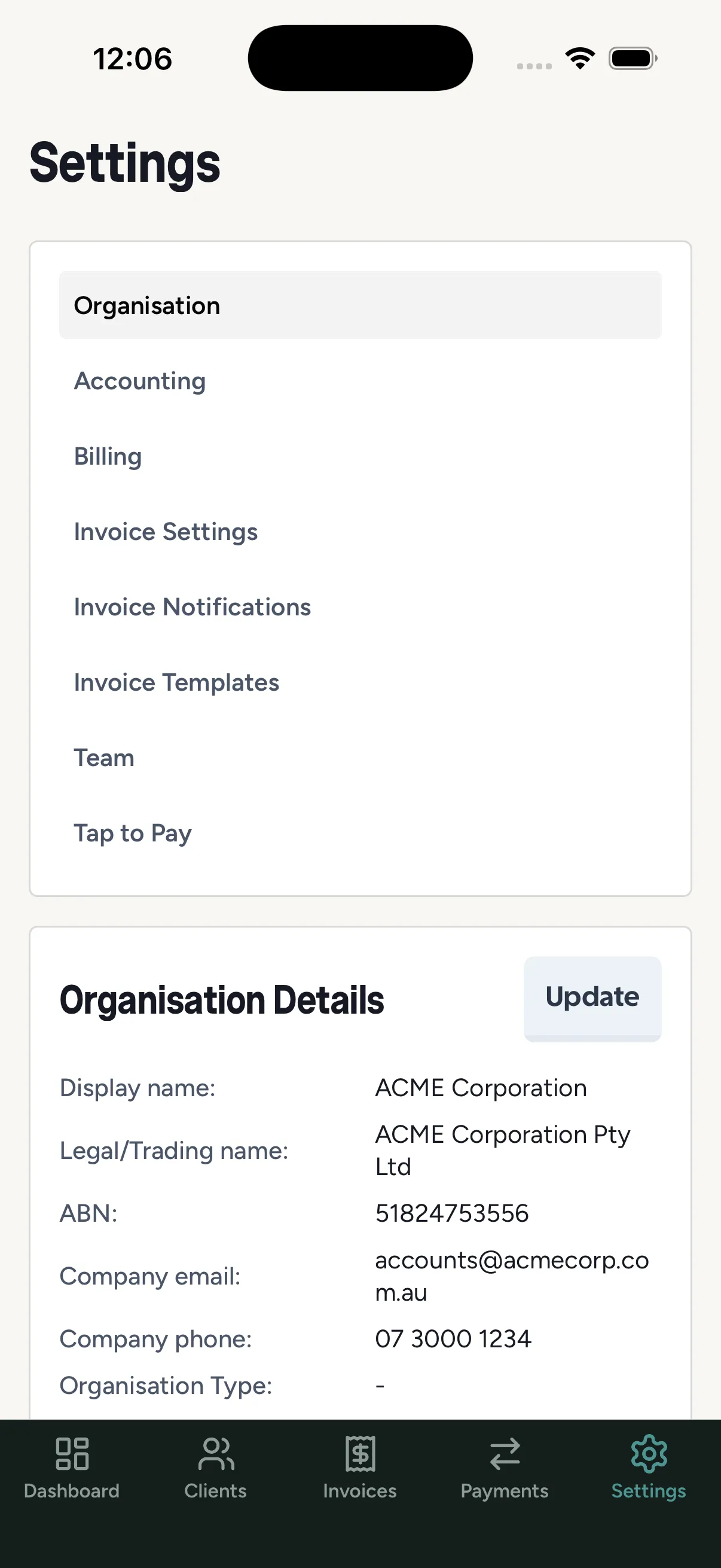
The Sawfish mobile app puts the essentials in your pocket: dashboard, clients, invoices, payments, and settings - plus one thing only a phone can do: Tap to Pay (iPhone only).
Installing and signing in
Section titled “Installing and signing in”Install Sawfish from the App Store (iPhone and iPad) or Google Play (Android), then sign in with your usual email and password.
- Biometric sign-in - after your first login, enable Face ID / fingerprint and skip typing your password.
- Longer sessions - mobile sessions stay valid for longer, so you sign in less often.
- Two-factor codes submit automatically once all six digits are entered.
What you can do on mobile
Section titled “What you can do on mobile”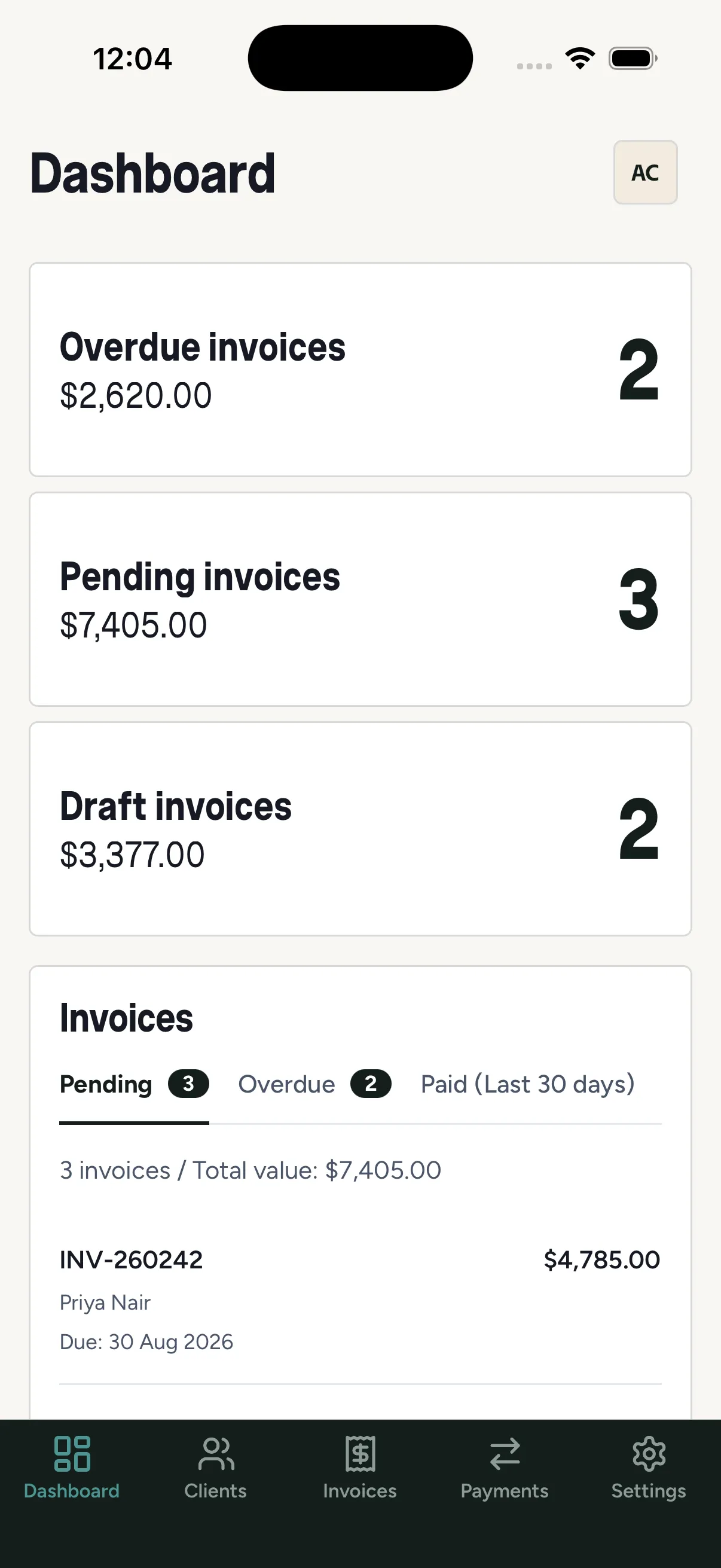
The app mirrors the web experience with layouts built for the phone. Day-to-day jobs that shine on mobile:
- Check the dashboard while out of the office
- Raise or approve an invoice on site
- Look up a client’s balance or credit position before quoting
- Take an in-person card payment with Tap to Pay, on iPhone
- Switch between organisations, same as the web app