

Contact Persons
A client often has more than one person you deal with - the owner, an accounts inbox, a site manager. Sawfish stores them all against the client as contact persons.
Adding contact persons
Section titled “Adding contact persons”- Open the client and choose the Contacts tab.
- Add the person’s name, email, and phone numbers - there’s a field each for mobile and landline, and both are optional.
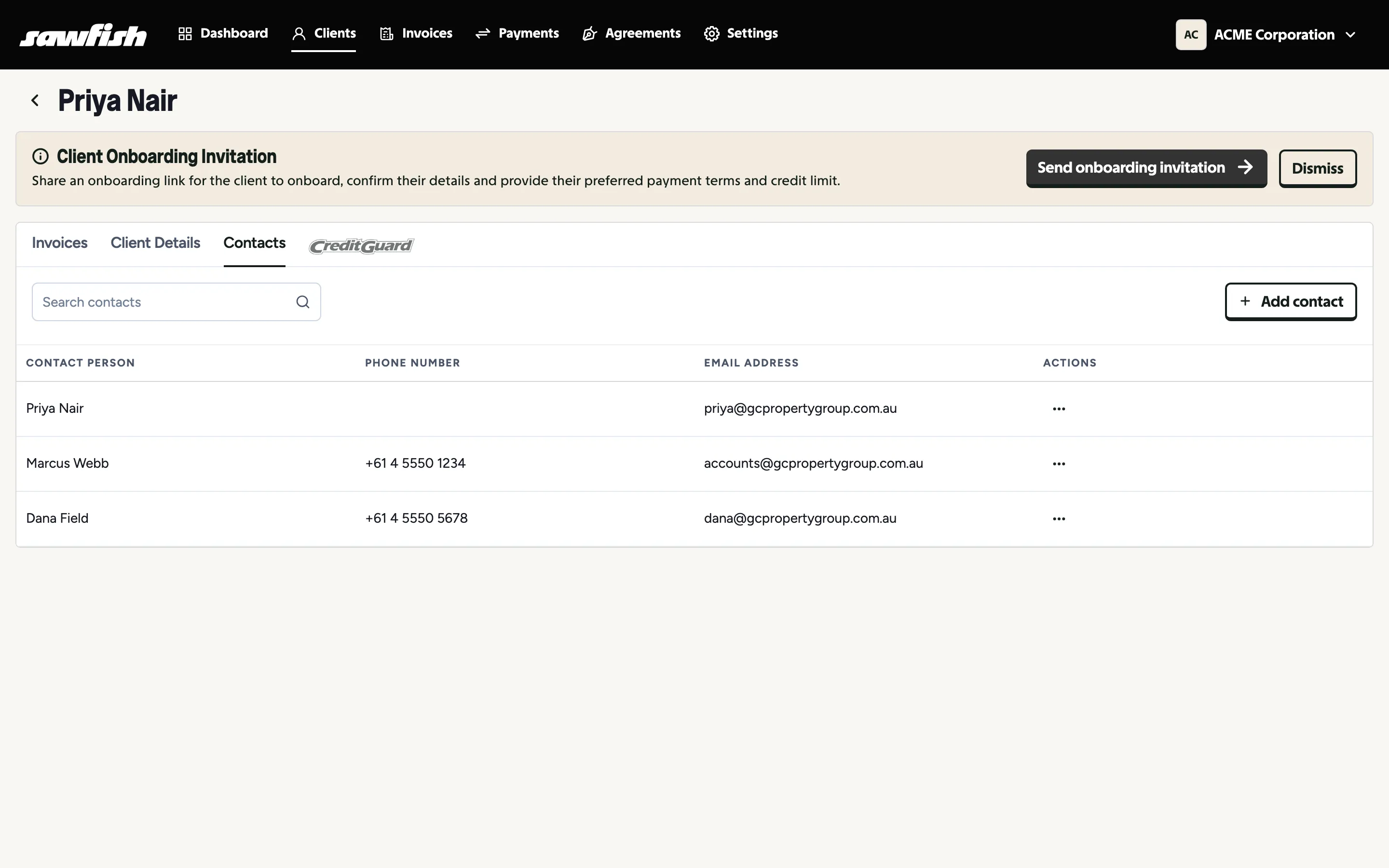
Who receives emails?
Section titled “Who receives emails?”The client’s main contact always receives invoices and reminders. Any contact person can additionally be flagged to be included in all email communications - useful for accounts departments that want a copy of everything. Flagged contacts are included on every invoice send and reminder for that client.
Contact persons also appear as selectable recipients when sending SMS reminders.
Changing recipients for a single invoice
Section titled “Changing recipients for a single invoice”The main contact and the flagged contacts are the default audience for the whole client. You can override them per invoice, without touching the client’s contacts:
- On the invoice view - the Recipients card lists who that invoice goes to. Add or remove email addresses there and the change applies to that invoice’s sends and reminders only; every other invoice keeps the client defaults. Clearing the list puts the invoice back on the defaults.
- When you approve and send manually - the send modal is prefilled with the client’s default recipients. Edit the list before sending and the edited list sticks for just that invoice: reminders and any re-sends for it go to the same people from then on.
See Who receives the invoice for the full picture from the invoicing side.