

Running a Credit Check
Run a check
Section titled “Run a check”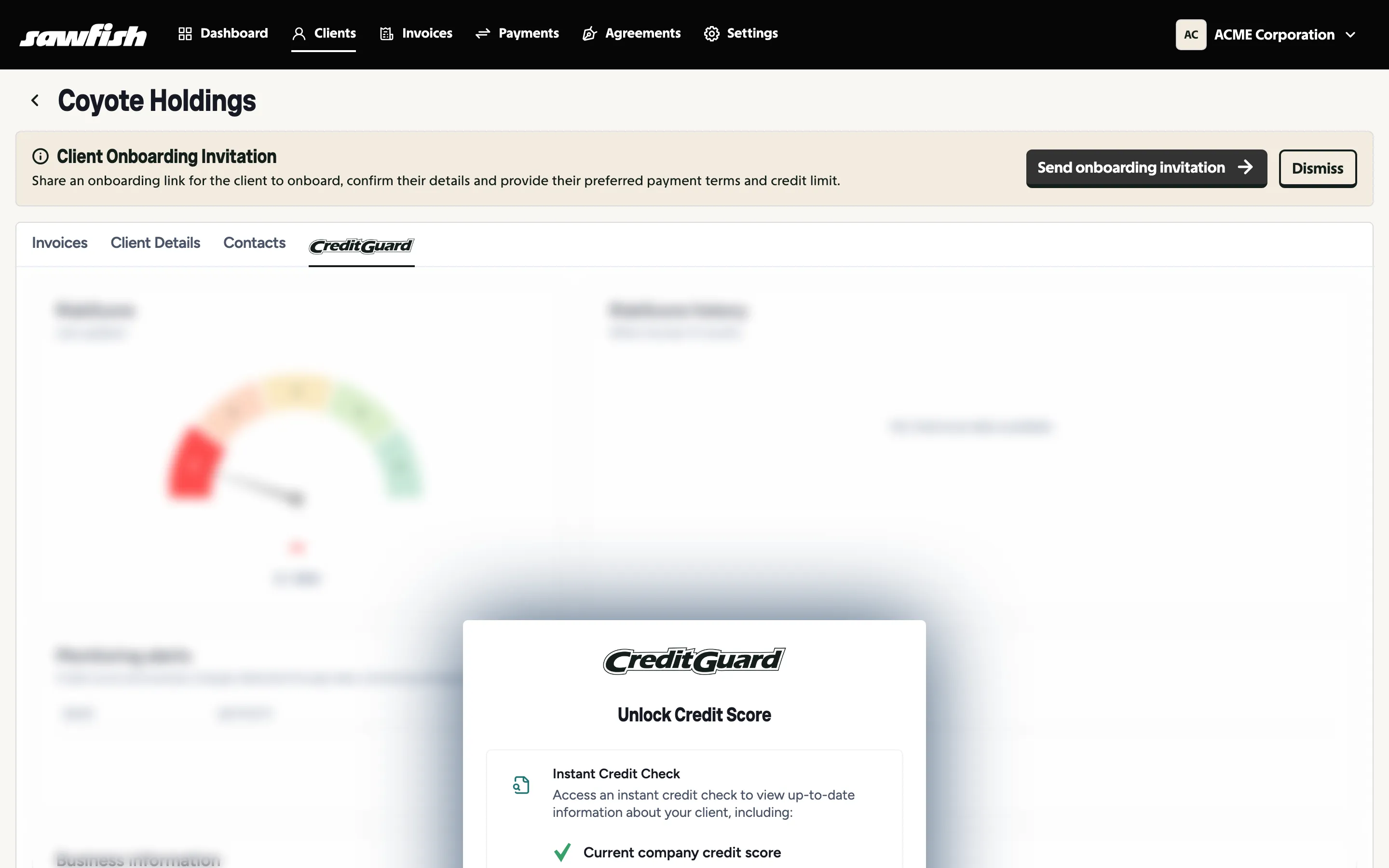
- Open the client and choose the Credit Score tab.
- Click Unlock Credit Score.
- Sawfish orders the report against the client’s ABN and populates their credit profile: RiskScore, score history, business details, and officeholder and shareholder information. Sections fill in as their data arrives - company details can take a few moments to land, and empty sections stay hidden until they do.
The check is charged from your Sawfish wallet.
Refresh the data
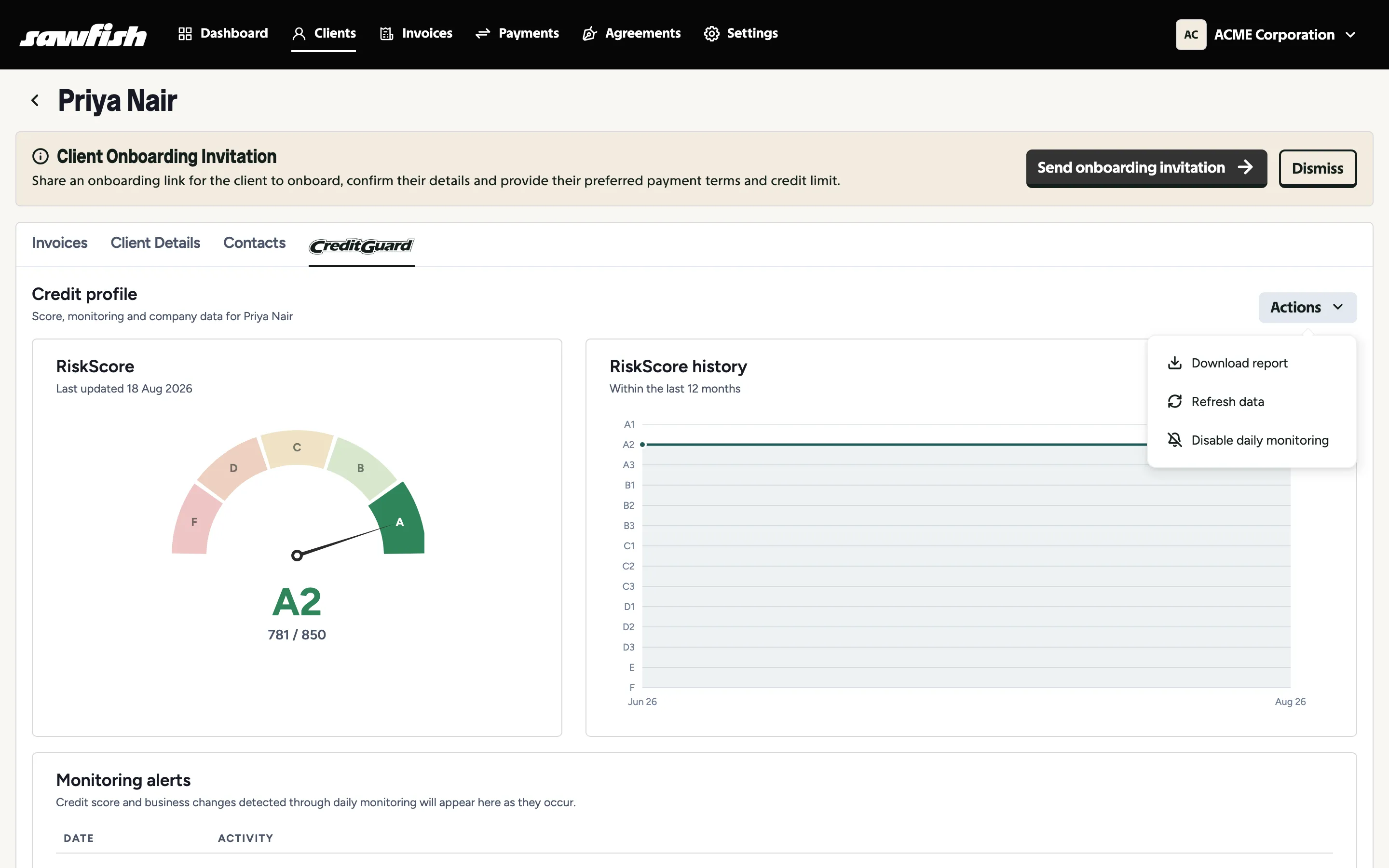
Section titled “Refresh the data”Once a check is complete, use Actions → Refresh data on the credit profile to pull the client’s latest credit data.
Blank results re-run free
Section titled “Blank results re-run free”If a paid check returns blank data - it happens with very new or very small entities - re-run it at no extra cost.
The full report
Section titled “The full report”Unlock Full Credit Report gets you the complete underlying report, and Download report saves a PDF copy - useful for records or sharing with a decision-maker. See Understanding risk grades for reading the results.
After the check
Section titled “After the check”- The client’s list entry gains a Checked badge, and you can filter the client list by Credit checked.
- Consider enabling daily monitoring so you hear about changes without re-checking manually.