

Invoice Settings
Settings → Invoice Settings controls how invoices are numbered, penalised, discounted, and displayed.
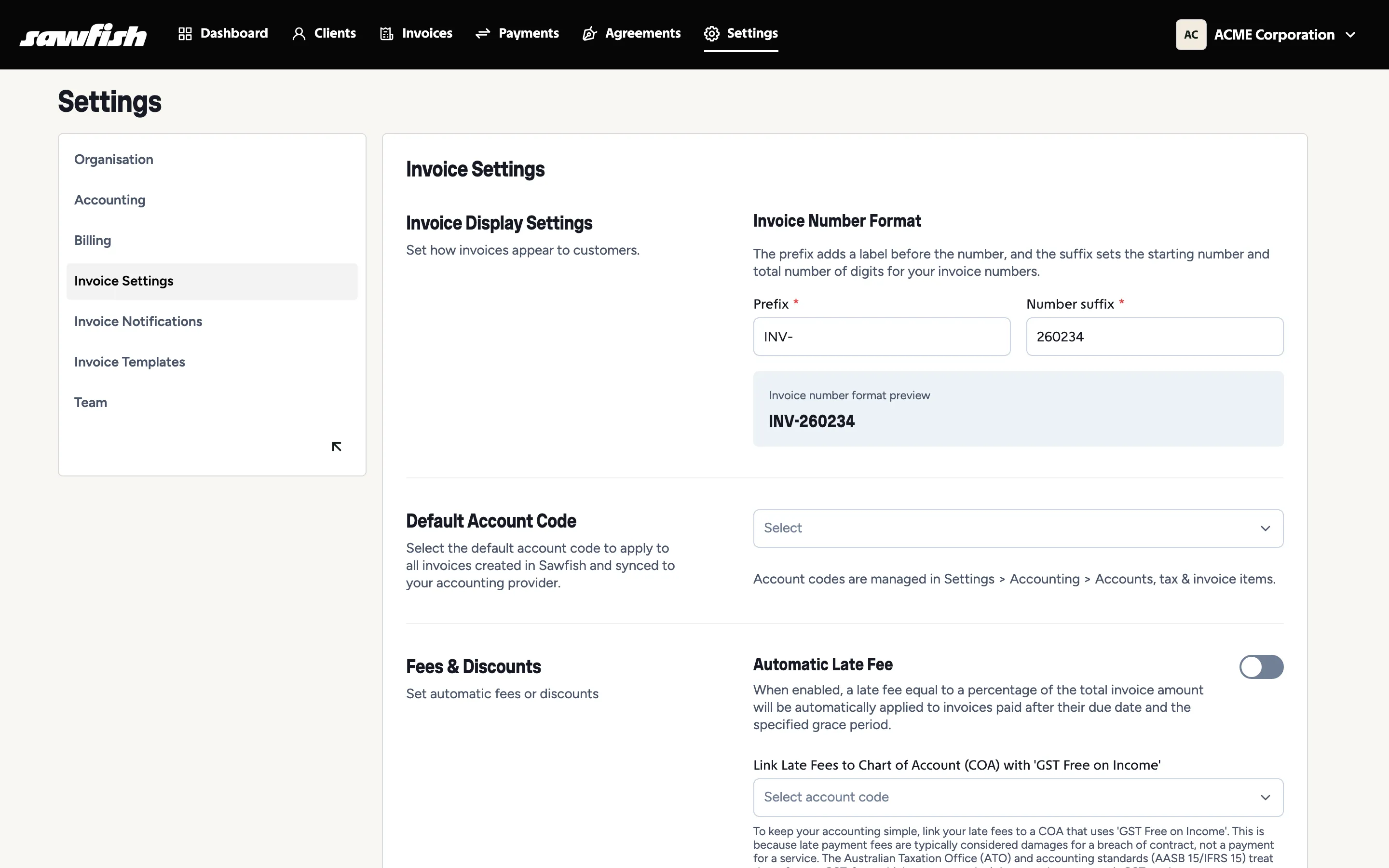
Numbering
Section titled “Numbering”- Invoice prefix and next number - e.g.
INV-and260234; Sawfish increments reliably from there, with enhanced sequencing logic so numbers never collide. - Use provider numbering - hand numbering over to Xero/MYOB if their sequence is the source of truth.
Late fees and early payment discounts
Section titled “Late fees and early payment discounts”Charge overdue invoices an automatic percentage fee (with a grace period), and offer a discount to customers who pay before the due date. Both are configured here - the full explainer of how and when they apply is at Late Fees and Early Payment Discounts.
Fees, discounts and display
Section titled “Fees, discounts and display”- Default account code - where invoice lines land in your chart when not set per line.
- MYOB invoice type - Item, Service, Professional, Time Billing, or Miscellaneous, for correctly typed MYOB syncing.
- Invoice display settings - the columns, labels, and layout choices covered under The invoice PDF.