

Payouts and Your Wallet
Payouts
Section titled “Payouts”Customer payments settle into your Sawfish balance, then pay out to your registered bank account.
- Scheduled runs happen twice daily - no action needed.
- Instant payouts - need funds now? Request a payout on demand rather than waiting for the next run.
- Payout history - the dashboard’s Payouts card shows your latest payout; View all lists every payout.
- Payout reports - a summary email of your payouts, daily or weekly (your choice of frequency), with control over which email addresses receive it - and each user can toggle their own subscription.
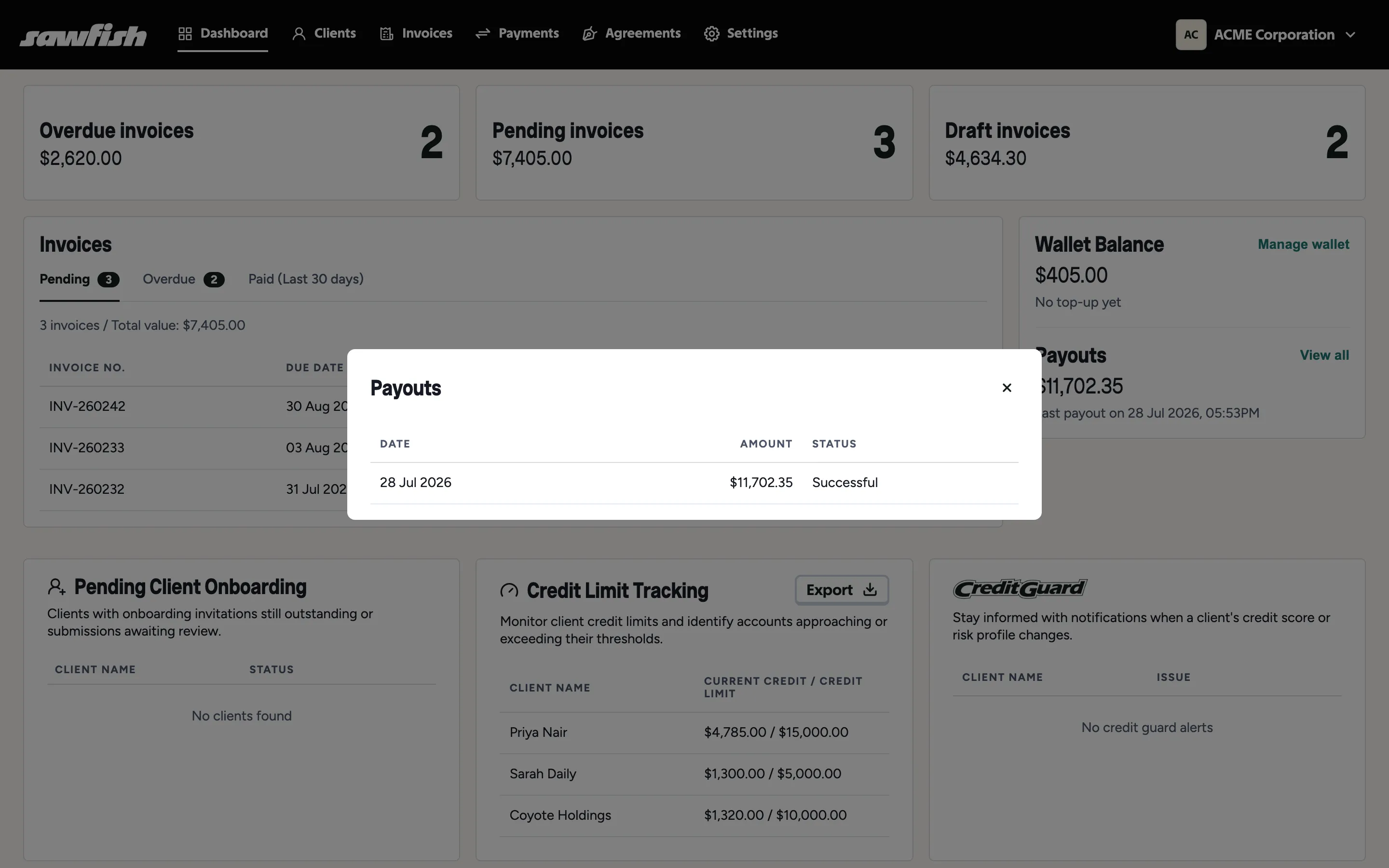
Your payout bank account is set during onboarding and shown under Settings → Accounting → Payout account.
The wallet
Section titled “The wallet”Your wallet balance (dashboard and Settings → Billing) is the float Sawfish uses for paid add-ons:
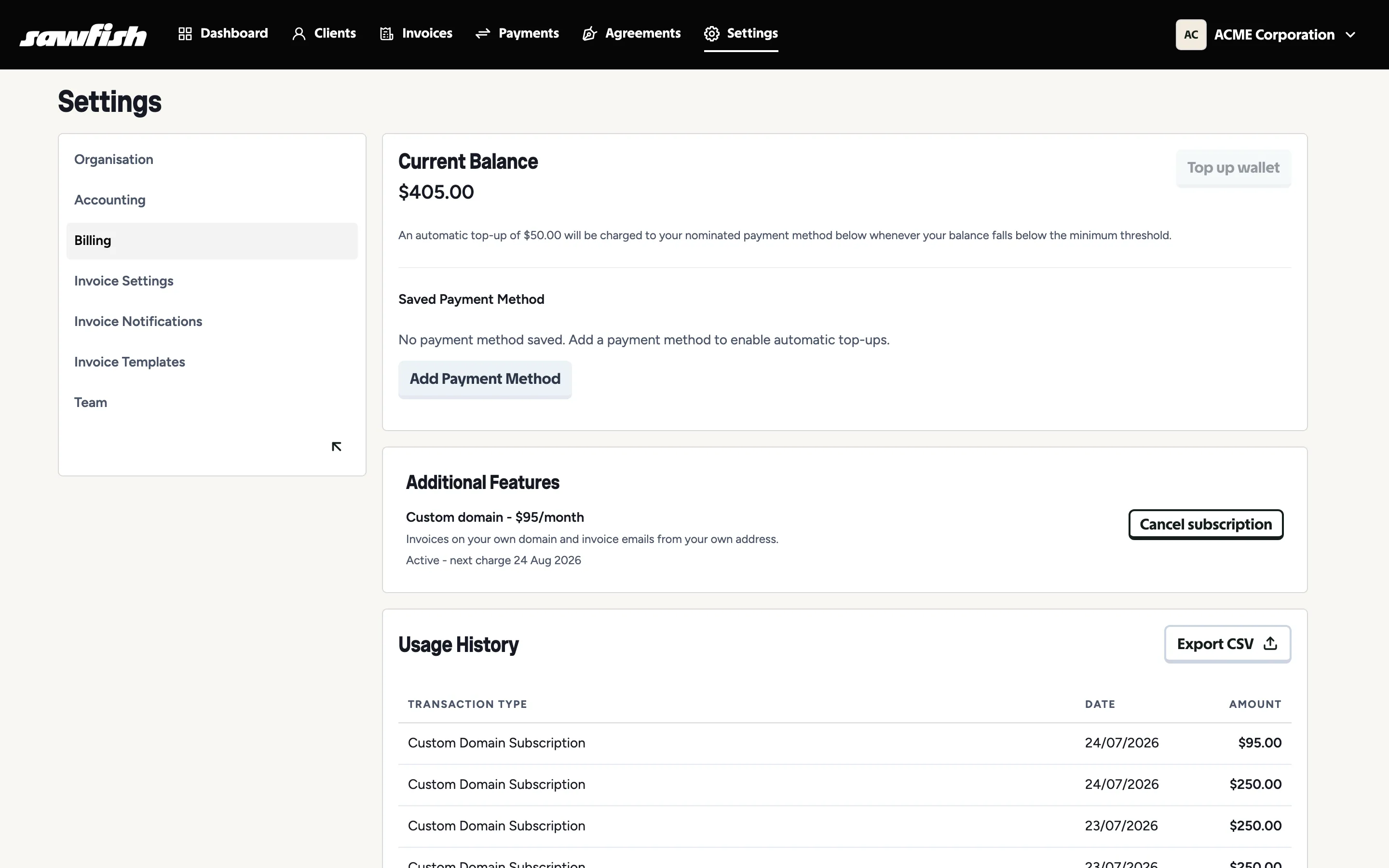
- What draws on it - SMS sending, CreditGuard credit checks and monthly monitoring, and add-ons like the custom domain.
- Top up - add funds by card from Manage wallet or Billing. Top-up history is included in your usage view.
- Usage history - an itemised record of what your organisation has spent, by service.
- Payment method - keep a card on file for top-ups and add-on billing.