

Batch Payments
A customer with several invoices outstanding shouldn’t have to pay them one at a time. Batch payments let them settle multiple invoices in a single transaction.
Customers reach their batch payment page from a link you share - and every monthly statement carries one, so a statement is the natural nudge toward paying everything at once. A client with nothing outstanding just sees a friendly all-paid page.
How it works
Section titled “How it works”- The customer opens their batch payment link. Before anything is shown, they verify their identity: a secure access link is emailed to an authorised address on their account (shown masked, so the page reveals nothing).
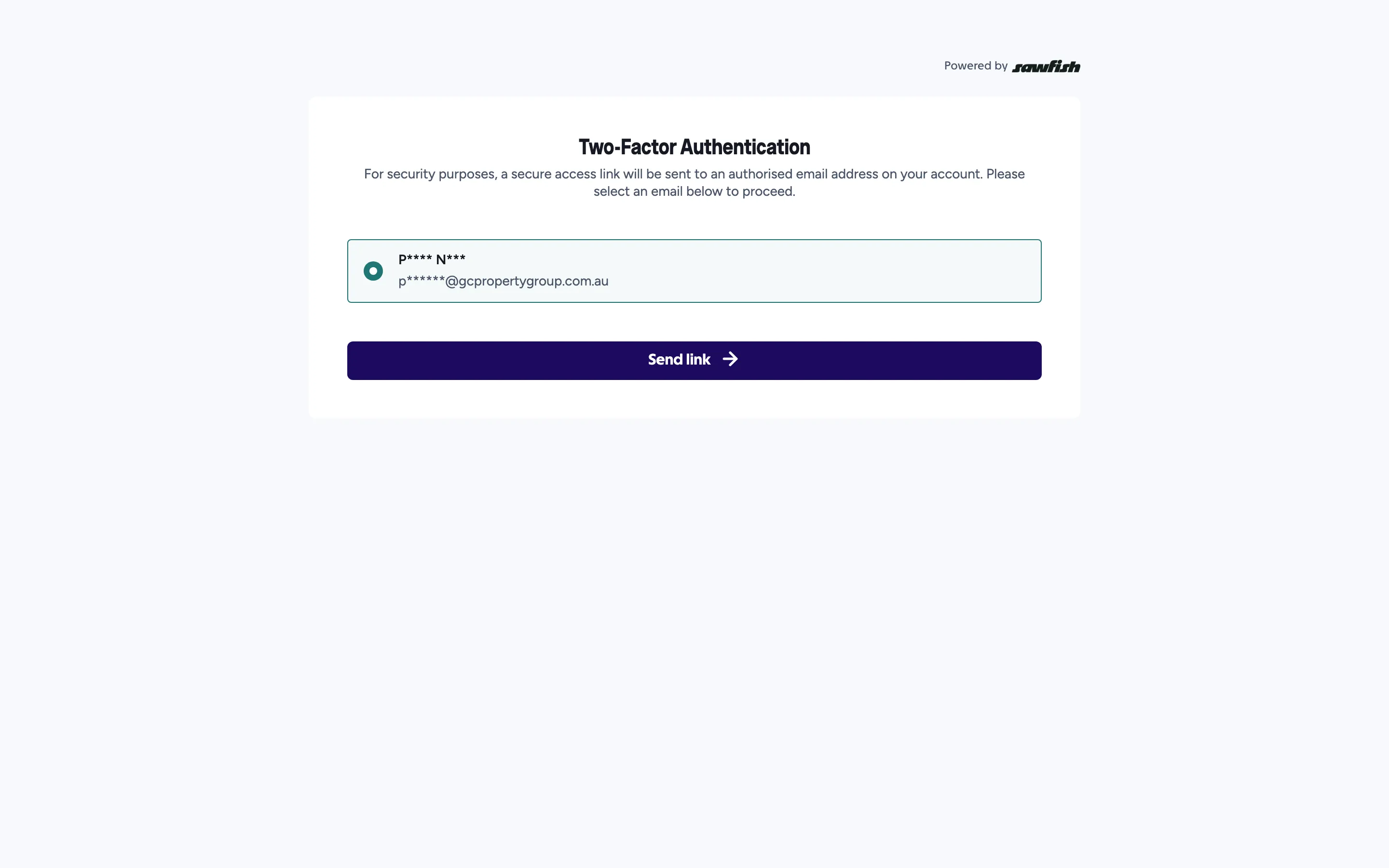
- Following the emailed link opens their outstanding invoice list - only the client ever sees it.
- They select the invoices to pay (two or more) and pay once, by credit card, PayID, or PayTo.
- Sawfish allocates the payment across the selected invoices, marks each paid, and syncs everything to Xero or MYOB.
Where you’ll see it
Section titled “Where you’ll see it”- Each paid invoice shows the payment against it, with the batch reference.
- The batch appears in your Payments list, and the invoice numbers within a batch are clickable - straight through to each invoice.
- Payouts treat batch takings like any other payment.