

Managing Active Agreements
Open any active agreement to see its full state: the signed document, settings, invoices raised under it, payments taken, and a timeline of everything that’s happened.
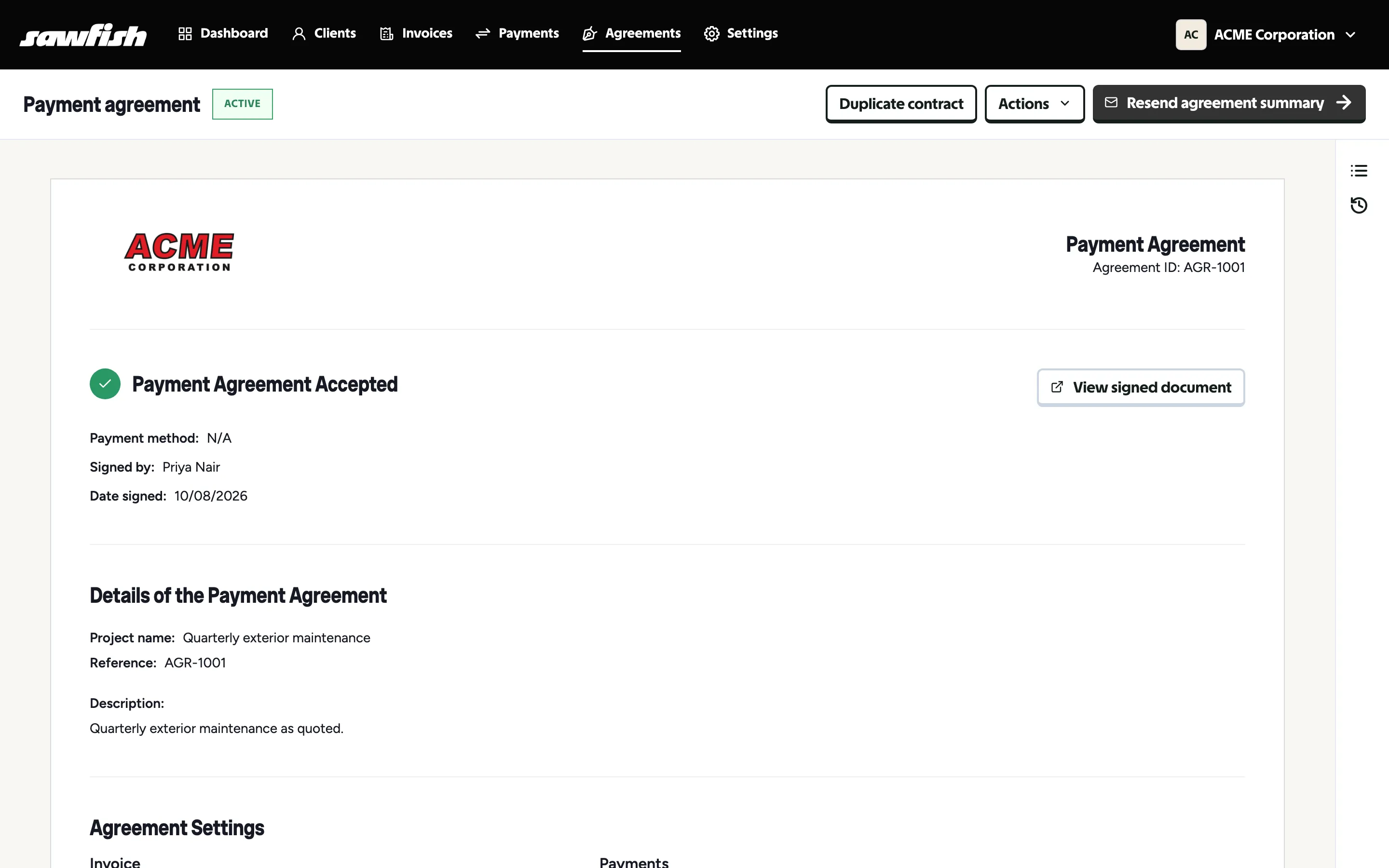
The active view
Section titled “The active view”- Payment Agreement Accepted - who signed, when, and with what payment method, plus View signed document for the executed copy.
- Details and settings - the project, reference, schedule, and payment configuration.
- Invoices and payments - each instalment as it’s raised and collected, with running totals of paid and outstanding.
- Timeline - the agreement’s history: sent, viewed, signed, payments, changes.
Updating the payment method
Section titled “Updating the payment method”If a scheduled payment fails - an expired card, a cancelled PayTo - the payment method on an active agreement can be updated without re-issuing or re-signing anything:
- Open the agreement and choose Actions → Update payment method.
- The client attaches the new method through a secure link.
- The schedule resumes; failed instalments can be retried.
This is the big one: a payment hiccup doesn’t mean tearing up a signed agreement.
Other actions
Section titled “Other actions”- Pause / resume - suspend collection temporarily without cancelling.
- Duplicate contract - start a new agreement from this one’s setup.
- Resend agreement summary - email the client their copy and status.
- Void - end the agreement permanently. Voiding works on drafts too - started an agreement you don’t need? Void it (any invoices it raised are cancelled), and a voided draft can then be deleted.